POOM LABS Documentation
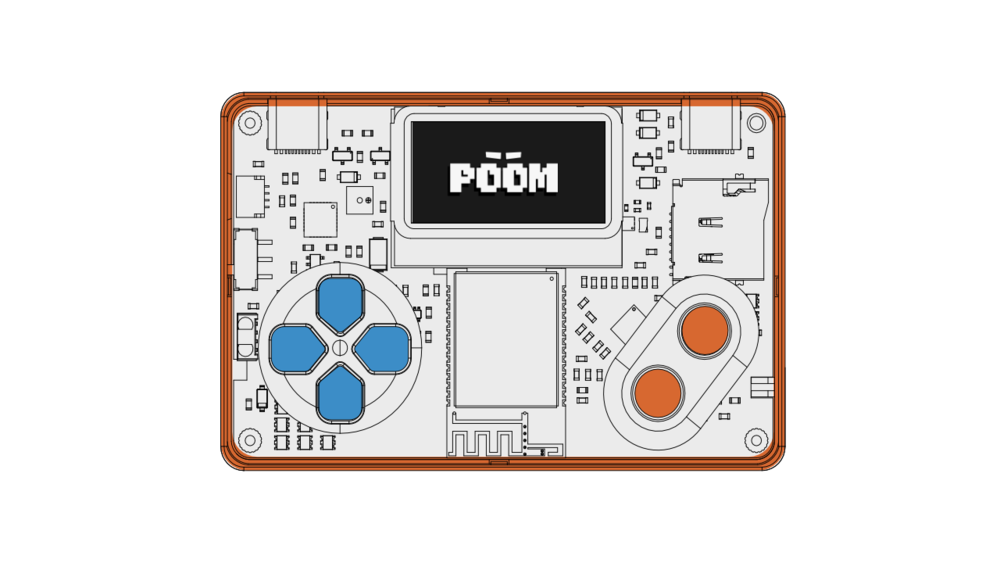
POOM LABS is the documentation track for building your own practical security lab with POOM. The first track is NFC: standards, testing method, and reproducible command flows.
Explore the Labs
Everything POOM can do, grouped like the device menu — pick a card to dive in.
Basics
Flash POOM with the web flasher or idf.py, then take the first-boot menu tour.
SetupUpdate POOM wirelessly with the AP-mode DFU service after the first USB flash.
ConsoleDrive POOM over USB: the cfg-* and nfc-* command groups, history and scripting.
ConsoleRun .lua scripts from SD with the App/Oled/Buttons/Led API.
The Beast — Wireless
Wireless-security experiments: deauth, karma, beacon spam, captive portals, BLE, PCAP.
TrackSniff Zigbee and Thread traffic to a .pcap with the cfg-154 commands.
The Zen — NFC & Creative
NFC standards plus scan, connect, dump and emulation playbooks.
TrackBLE MIDI, tones, media control and the Flipper-compatible IR remote.
The Maker
The Gamer
Reference
Peripherals, drivers, the ESP32-C5 pinout and the storage map.
ReferenceHow POOM applications, services, components, protocols, and hardware fit together.
ReferenceFixes for flashing, SD, radio, BLE and NFC, plus frequently asked questions.
ReferenceThe full component inventory across applications, modules and drivers.