KARMA Wi-Fi Lab with POOM
Learn how Probe Requests, remembered networks, automatic connection, and modern Wi-Fi privacy controls relate to KARMA behavior.
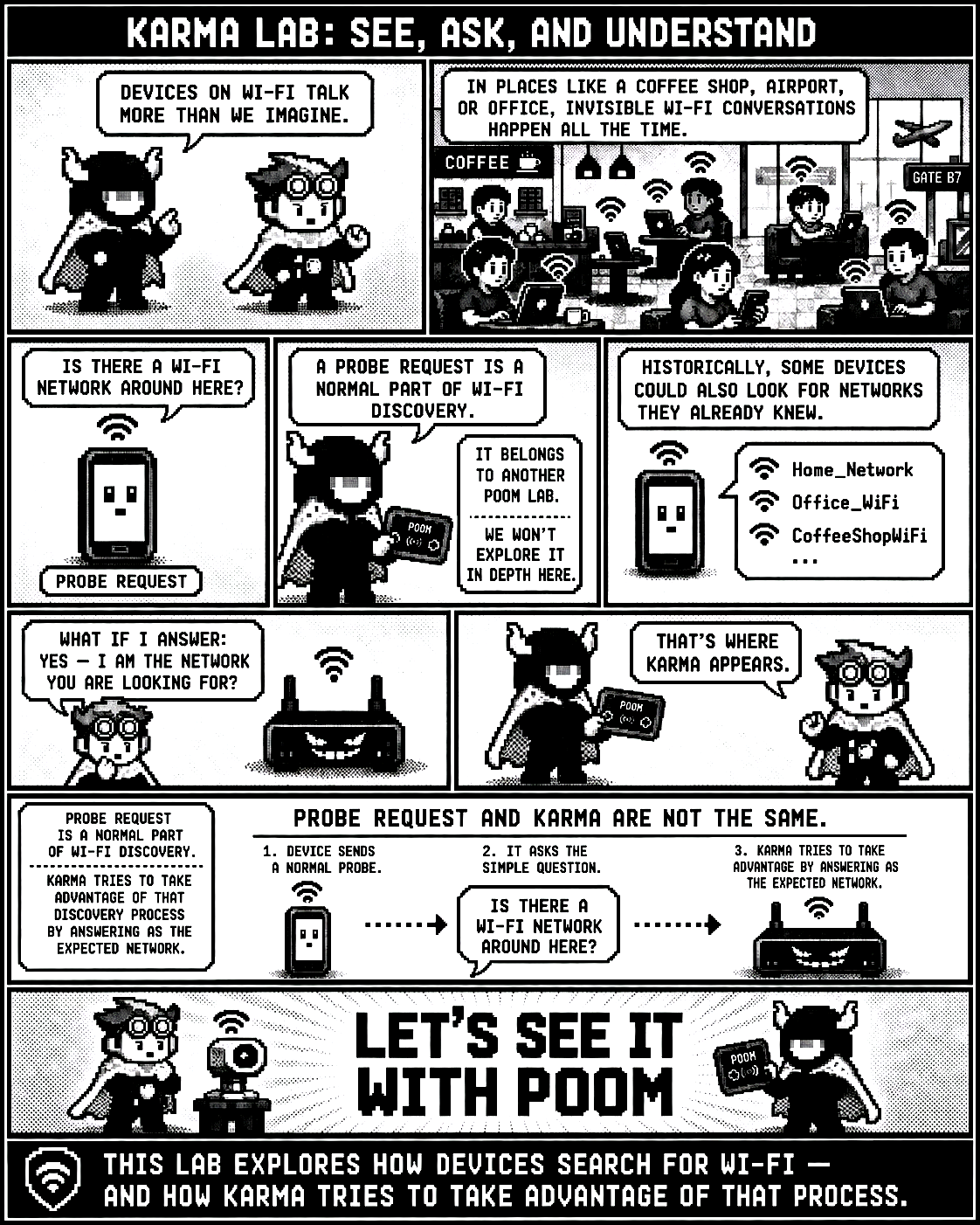 View full screen
The comic shows that Wi-Fi devices exchange invisible discovery messages in places such as coffee shops, airports, and offices. A Probe Request normally asks whether a Wi-Fi network is nearby. Historically, some devices searched for previously known networks. KARMA tries to take advantage of that process by answering as though it were the expected network. Probe Requests and KARMA are not the same: the first is normal Wi-Fi discovery, while the second attempts to respond as the network being sought.
Let's see it with POOM
For this lab, you need a phone you own with automatic connection enabled for a known Wi-Fi network. The idea is to make the phone search for networks again and observe what happens.
Step 1 — Prepare the phone
Connect your phone normally to a Wi-Fi network in your isolated lab. Make sure Auto-Join / Automatic connection is enabled.
Step 2 — Open KARMA on POOM
On POOM, open:
BEAST → KARMA
POOM will begin observing Wi-Fi discovery traffic. On the display, you may see the SSIDs that some devices are using while they search for known networks.
Step 3 — Force a new search
Put your phone in airplane mode and wait a few seconds. Then disable airplane mode and turn Wi-Fi back on if the phone does not do so automatically.
At that moment, the phone begins its discovery process again. It is as if it were asking:
“Where is my network?”
Step 4 — Observe POOM
POOM listens to that process. If the phone performs a directed search for a known network, you may see its SSID appear on the POOM display.
To refresh the search quickly, press A. POOM will scan again and update the detected SSIDs. This is useful when you enable and disable airplane mode several times during the experiment.
Step 5 — Observe KARMA's behavior
When POOM identifies a searched-for SSID, it can advertise a network with that same name to demonstrate the idea behind KARMA.
The interesting part is observing the complete process:
- The phone temporarily loses connectivity.
- Wi-Fi turns back on.
- The device starts searching for networks.
- POOM observes the discovery messages.
- A known SSID appears.
- POOM can advertise that same SSID inside the controlled lab.
This is when you begin to understand why the behavior attracted so much attention from a security perspective.
But there is an important detail
Modern phones will not always show exactly the same behavior. Current systems include protections such as:
- Randomized MAC addresses during scanning.
- Fewer directed Probe Requests.
- Changes to Auto-Join behavior.
- Validation of the network's security type.
- Additional protections before connecting automatically.
If the original network uses WPA2 or WPA3, simply advertising the same SSID does not mean the phone will connect. The expected security and authentication conditions must also match.
That is why this experiment is not only about achieving a connection. The interesting part is seeing the process.
Airplane mode → Wi-Fi returns → press A to refresh → POOM listens → an SSID appears
Then you think:
“Ah… this is how my phone tries to find the networks it knows.”
That is what makes this lab fun: something that happens in front of us every day, but is normally completely invisible.